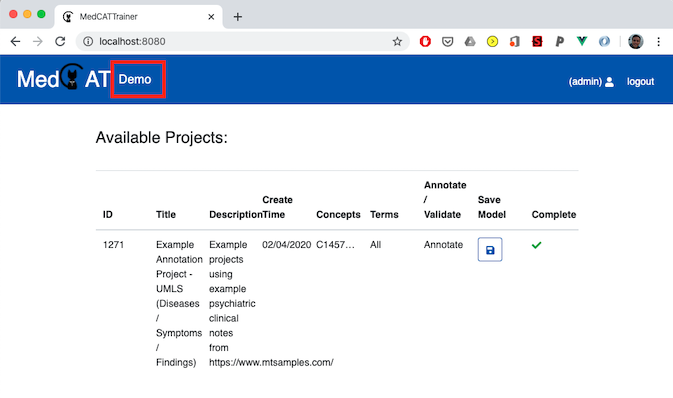
Demo / Try Model
The Try Model view (/demo) is a lightweight sandbox for testing model
behavior without creating a full annotation project.
What it is for
quick model sanity checks
ad-hoc text exploration
testing concept filters before project setup
It does not persist annotation decisions like a project workflow does.
Workflow
Select a Model Pack.
Optionally add CUI filters:
pick concepts from the concept picker, or
paste a comma-separated CUI list.
Optionally enable Include sub-concepts.
Enter or paste free text.
The text is annotated automatically after a short pause or when focus leaves the editor.
Output panels
Main text panel: highlighted entities in context.
Concept Summary: details for the selected entity.
Meta Annotations Summary: model-predicted meta annotation values (if available in the model pack).
Double-clicking the rendered text switches back to edit mode.